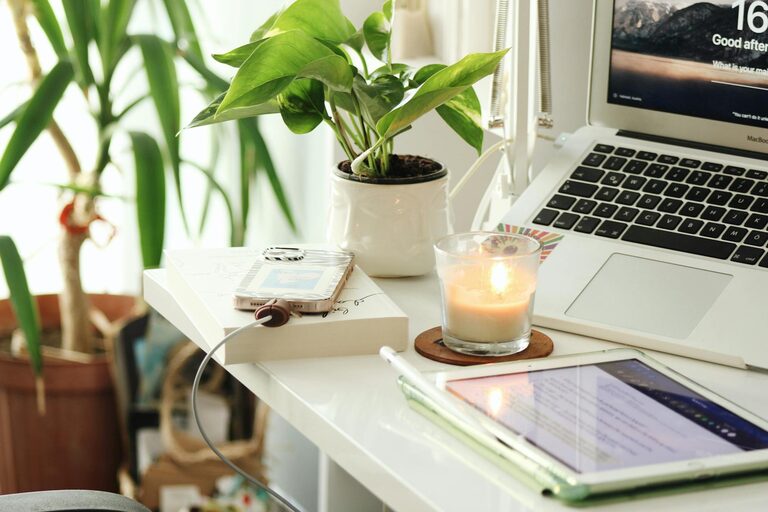
Creating a home office that feels both cozy and productive can transform your work-from-home experience. Whether you’re new to remote work or looking to upgrade your current setup, the right environment helps boost focus, creativity, and overall satisfaction. Here are some helpful tips to guide you in designing a home office space that balances comfort with efficiency.
Choose the Right Location
Finding the best spot in your home for your office is an important first step. Look for a quiet area with minimal distractions and good natural light. If space is limited, consider a corner of a living room or bedroom—just make sure it feels separate enough to mentally “switch” into work mode.
Consider These Factors:
– Proximity to windows for daylight and fresh air
– Distance from noisy appliances or high-traffic areas
– Availability of power outlets and internet connectivity
Invest in Ergonomic Furniture
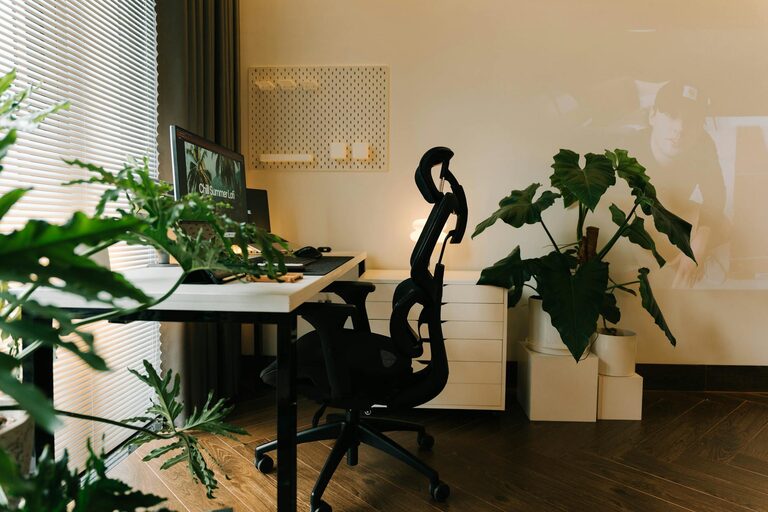
Comfort is key when you spend long hours at your desk. An ergonomic chair and desk setup reduces strain and helps maintain good posture, which can prevent discomfort and fatigue.
Essentials to Include:
– Adjustable chair with lumbar support
– Desk at the right height for typing and writing
– Footrest if your feet don’t comfortably reach the floor
– Monitor stand to keep your screen eye-level
Optimize Lighting
Proper lighting improves focus and reduces eye strain. Natural light is ideal, but you may need supplemental options for early mornings or late evenings.
Lighting Tips:
– Position your desk near a window without harsh glare
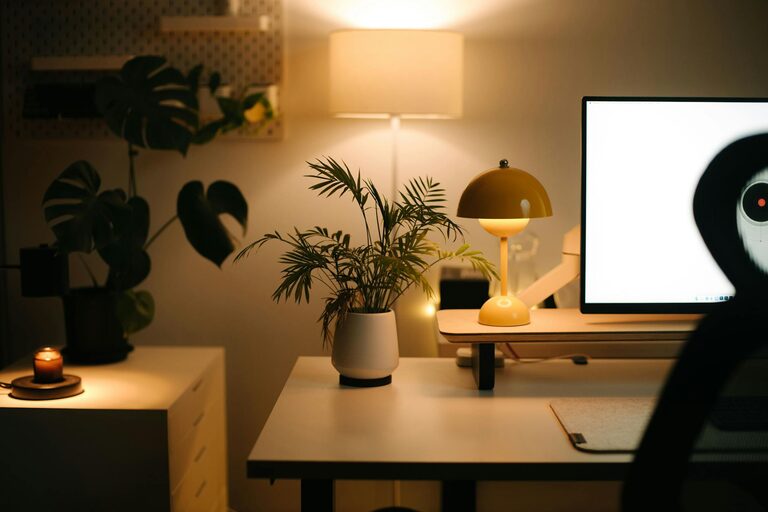
– Use a desk lamp with adjustable brightness and color temperature
– Avoid overhead lights that create shadows or reflections on screens
Keep It Organized
Clutter disrupts focus and can increase stress. Creating an organized space encourages efficient work habits and a peaceful atmosphere.
Strategies for Organization:
– Use storage bins, shelves, or drawers to keep supplies tidy
– Limit items on your desk to essentials only
– Create dedicated zones for different tasks (e.g., computer work, paperwork)
– Regularly declutter to maintain a clean space
Add Personal Touches
Your home office should feel inviting and reflect your personality while remaining professional enough for virtual meetings.
Ideas to Personalize:
– Photos or artwork that inspire and motivate
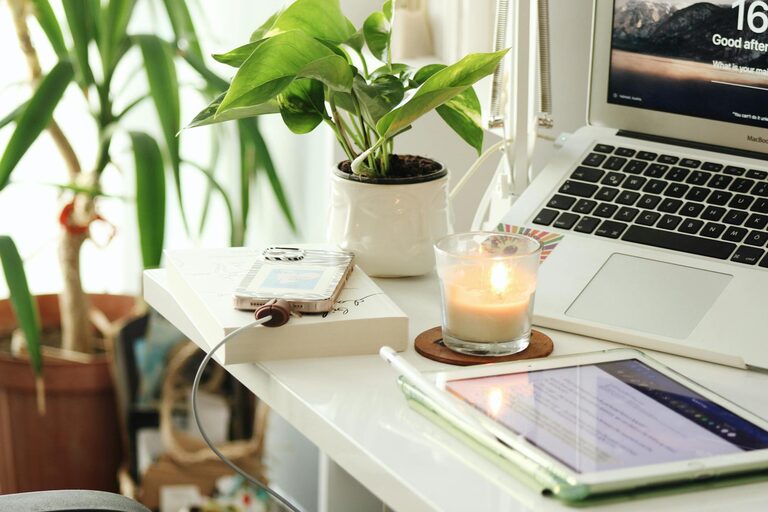
– A few plants to bring in natural elements and improve air quality
– Colorful or textured cushions and rugs for warmth
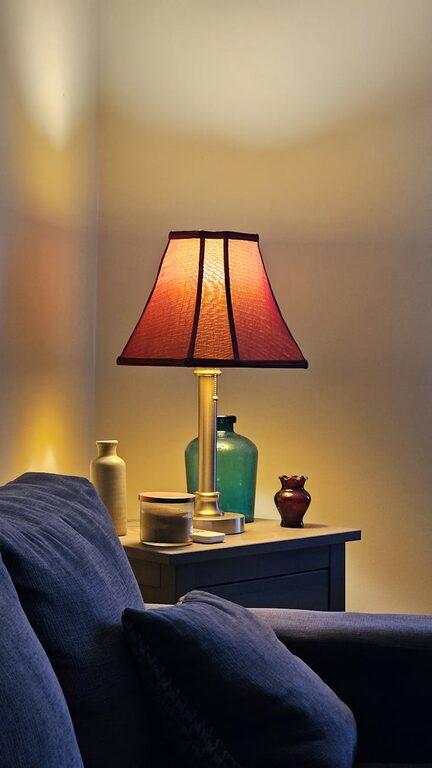
– Decor that evokes calm, such as candles or soft lighting
Manage Noise Levels
Background noise can be distracting, especially if you share your home with others or live in a busy area.
Noise Control Solutions:
– Use noise-canceling headphones or white noise machines
– Add soft furnishings like rugs and curtains to absorb sound
– Inform family or roommates of your work hours to minimize interruptions
Set Up Effective Technology
Make sure your technology supports your workflow to avoid frustrations and delays.
Tech Tips:
– Reliable internet connection and backup options if possible
– Quality webcam and microphone for video calls
– Cable organizers to keep cords neat and prevent tangles
– Charging stations for your devices within easy reach
Establish Boundaries and Routine
Creating a cozy and productive office also means setting clear boundaries around your work time and space.
How to Stay on Track:
– Define your working hours and communicate them to household members
– Take breaks and move away from your desk periodically
– Dress for work to help switch into “professional mode”
– End the day by tidying your workspace to reset for tomorrow
Final Thoughts
Designing a home office that is both cozy and productive doesn’t require a large budget or complicated makeover. Small, thoughtful changes geared toward comfort, organization, and focus can make a big difference in your daily work life. Take the time to tailor your space to your needs, and you’ll enjoy a more enjoyable and efficient work-from-home experience.
About the Author