Creating a relaxing home workspace is essential for maintaining productivity and well-being, especially when working remotely or freelancing. A well-designed environment can reduce stress, improve focus, and make work feel less like a chore. In this post, we’ll explore practical steps to help you build a workspace that promotes calmness and efficiency.
Why a Relaxing Workspace Matters
When your workspace feels cluttered, noisy, or chaotic, it can be challenging to concentrate on your tasks. Stress and distractions often lead to reduced productivity and burnout. On the other hand, a thoughtfully arranged area helps you stay motivated, improves your mood, and supports a healthier work-life balance.
Step 1: Choose the Right Location
Selecting the ideal spot in your home is the first step. Consider these factors:
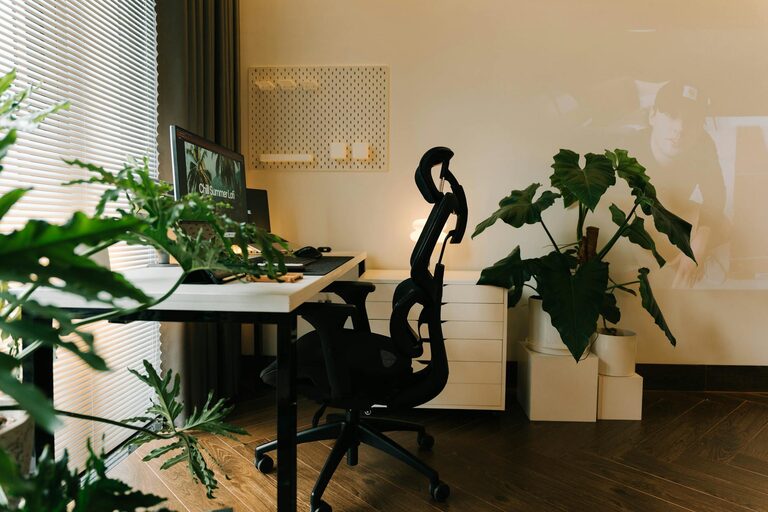
– Natural Light: Spaces near windows provide daylight, which boosts mood and alertness.
– Quietness: Pick a location away from high-traffic areas or noisy appliances.
– Space: Ensure there is enough room for your desk, chair, and any essentials without feeling cramped.
If possible, dedicate an area solely for work. This separation helps your brain associate the space with productivity.
Step 2: Invest in Comfortable Furniture
Comfort plays a big role in how long and well you can work. Keep these tips in mind:
– Ergonomic Chair: Opt for a chair that supports your lower back and encourages good posture.
– Desk Height: Your desk should allow your arms to be at a 90-degree angle when typing.
– Adjustability: Standing desks or adjustable workstations can help reduce fatigue.
Having furniture that suits your body prevents discomfort that can distract you from tasks.
Step 3: Keep Your Workspace Organized
Clutter can cause mental clutter. Maintaining an orderly space helps you focus and find what you need quickly.
– Use Storage Solutions: Shelves, bins, or drawer organizers keep items sorted.
– Limit Desk Items: Keep only essentials on your desk to avoid overwhelming visuals.
– Daily Tidying: Spend a few minutes at the end of each day to reset your space.
A neat workspace can create a sense of calm and control.
Step 4: Personalize Your Space
Your workspace should feel welcoming but not distracting.
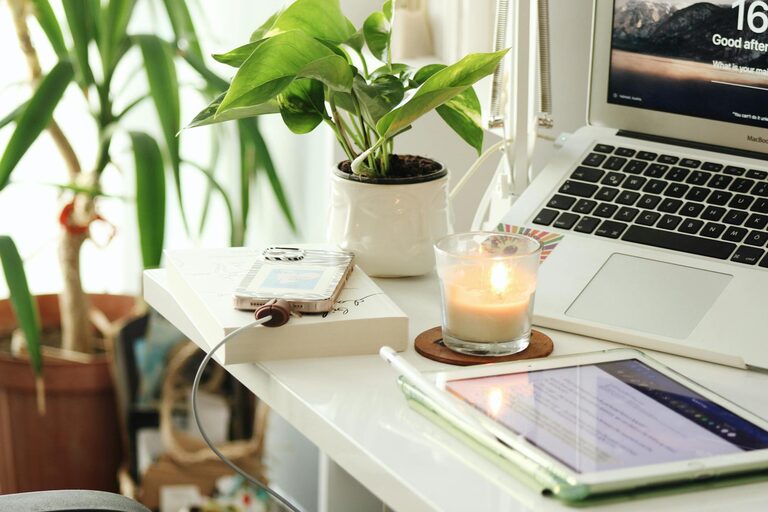
– Add Plants: Small indoor plants improve air quality and add a soothing touch.
– Incorporate Art or Photos: Choose images that inspire or relax you.
– Use Calming Colors: Soft blues, greens, or neutrals encourage tranquility.
Personal touches make your workspace enjoyable and uniquely yours.
Step 5: Control Lighting and Noise
Proper lighting and sound levels impact your comfort and concentration.
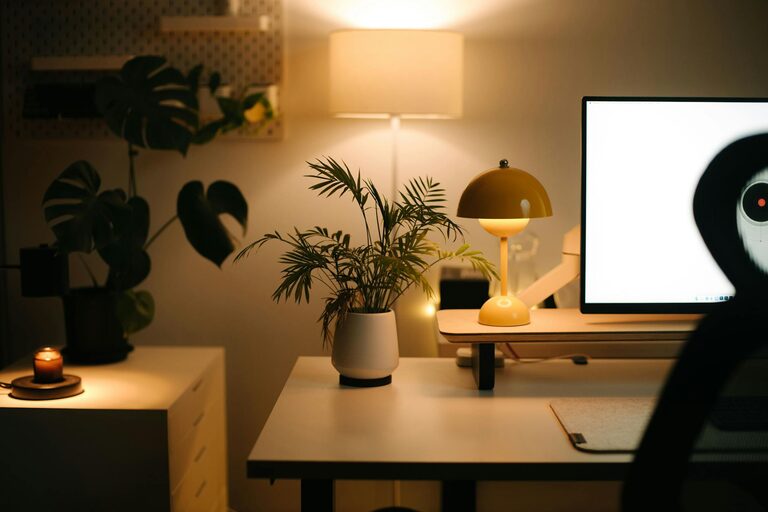
– Lighting: Combine natural daylight with adjustable desk lamps for balanced illumination.
– Reduce Glare: Position screens to avoid reflections from windows or lights.
– Manage Noise: Use headphones, white noise machines, or soft background music to mask distractions.
Control over your environment helps maintain focus throughout the day.
Step 6: Incorporate Break Zones or Movement
Even in small spaces, having a spot to stretch or step away briefly supports productivity.
– Create a Break Corner: Use a comfortable chair or cushion to step away from the desk.
– Stretch Regularly: Short breaks with light movement reduce tension and refresh your mind.
– Use Timers: Set reminders to take breaks, which improves overall efficiency.
Moving around prevents burnout and keeps energy levels steady.
Step 7: Maintain Clean Air and Pleasant Scents
Fresh air contributes to alertness and well-being.
– Ventilate Regularly: Open windows when possible or use air purifiers.
– Introduce Natural Scents: Essential oils like lavender or eucalyptus promote relaxation (use sparingly).
– Avoid Strong Odors: Harsh smells can be distracting or irritating.
A refreshing atmosphere helps you stay comfortable during long work hours.
Step 8: Manage Technology Wisely
Technology can be both helpful and distracting.
– Organize Cables: Use clips or sleeves to prevent tangles and maintain neatness.
– Limit Notifications: Turn off non-essential alerts to minimize interruptions.
– Optimize Screen Setup: Position monitors at eye level and consider blue light filters.
Smart tech use supports a smooth workflow without overwhelming you.
Final Thoughts
Designing a relaxing home workspace isn’t about perfection—it’s about creating a space tailored to your needs that helps you feel calm and productive. By choosing the right location, investing in comfort, keeping organized, and managing your environment, you can turn your home workspace into a place where you do your best work. Start small with one or two changes and build from there, and watch your productivity improve alongside your peace of mind.
About the Author